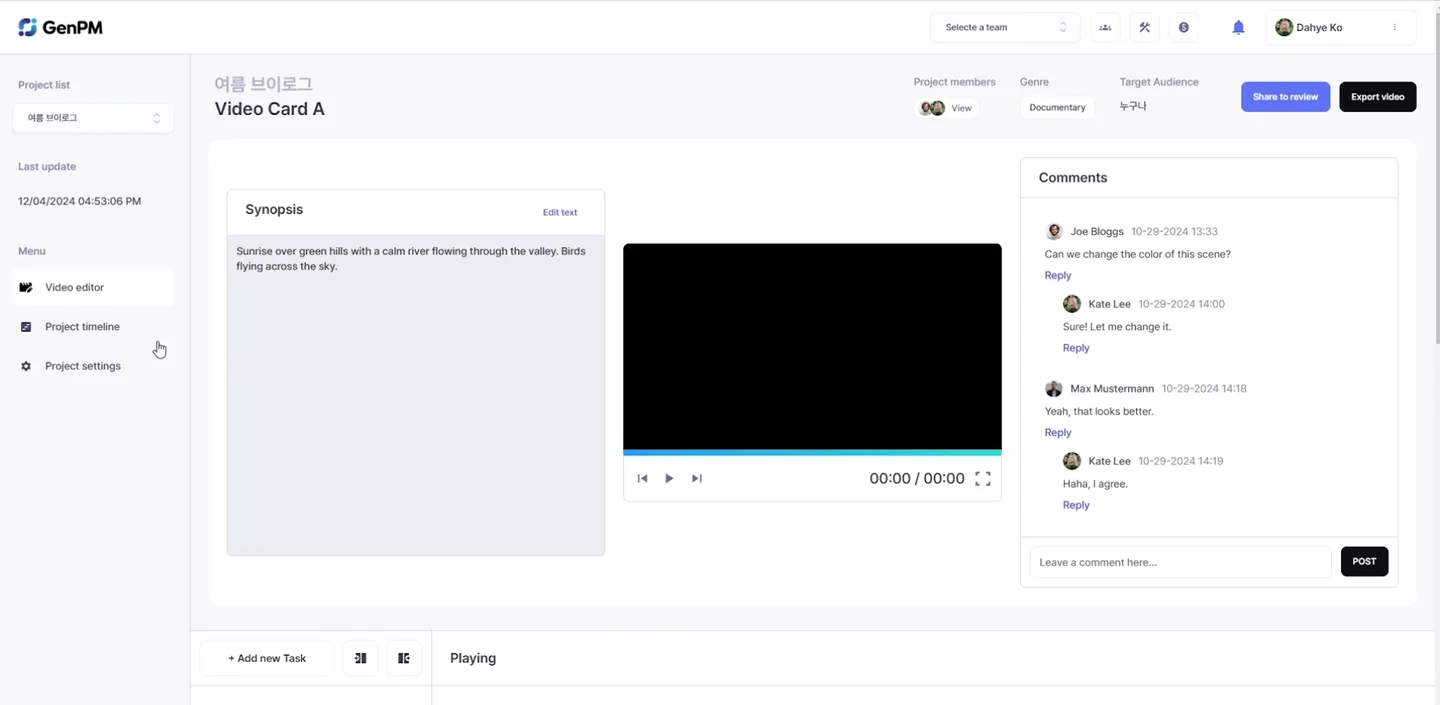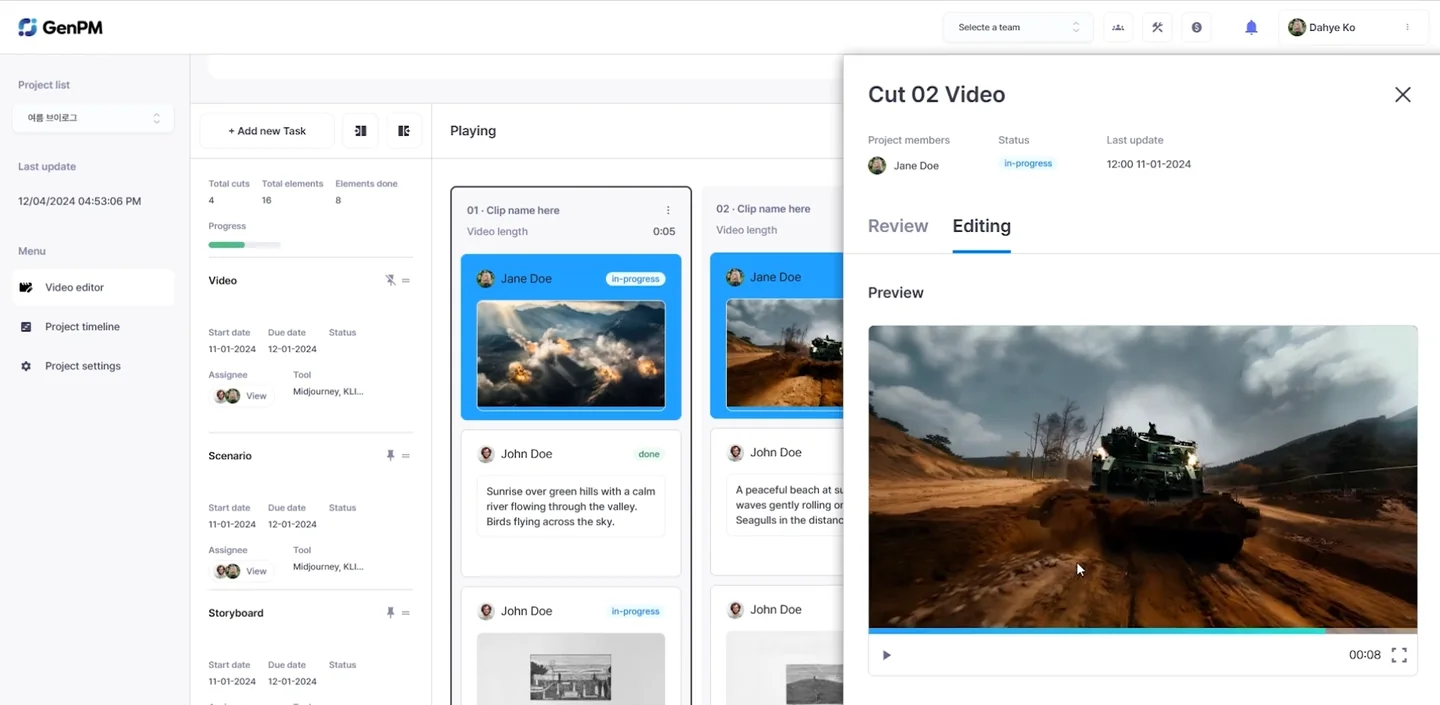
Keep finished scenes and remake only the cuts you need. Compare previous and new results in each cut’s generation history, choose the take to use, and apply it to the edit.
What to handle together when remaking a cut
Even when remaking a single cut, you must handle character and location references, the surrounding cuts and the edit state together. Tacu connects the script, production assets, generation history and timeline in one project.
1. Compare in history
Review multiple results for the same cut and compare composition, expression and motion. Earlier results remain in the generation history and serve as a reference alongside new attempts.
2. Regenerate selected cuts
Pick one or more cuts that need changes and remake them. Change the scene content and references, then regenerate the prompt and video to get closer to the intended result.
3. Choose the take for the edit
Play the selected result with the surrounding cuts to refine how scenes connect. With models that offer a draft mode, review the look in draft first, then render the selected cut as final.
Keep the good cuts, remake the scenes you need.
See About Tacu for more details.